
What You’ll Learn
Serialization converts data in memory into a format that can be stored or transferred, then restores it later. In this lesson, you will compare Python’s pickle module with JSON and choose the safer format for different application-data scenarios.
- Serialize and restore Python objects with
pickle. - Serialize portable dictionaries and lists with JSON.
- Understand why JSON is safer for untrusted or cross-language data.
- Choose an appropriate format for application storage.
The Concept
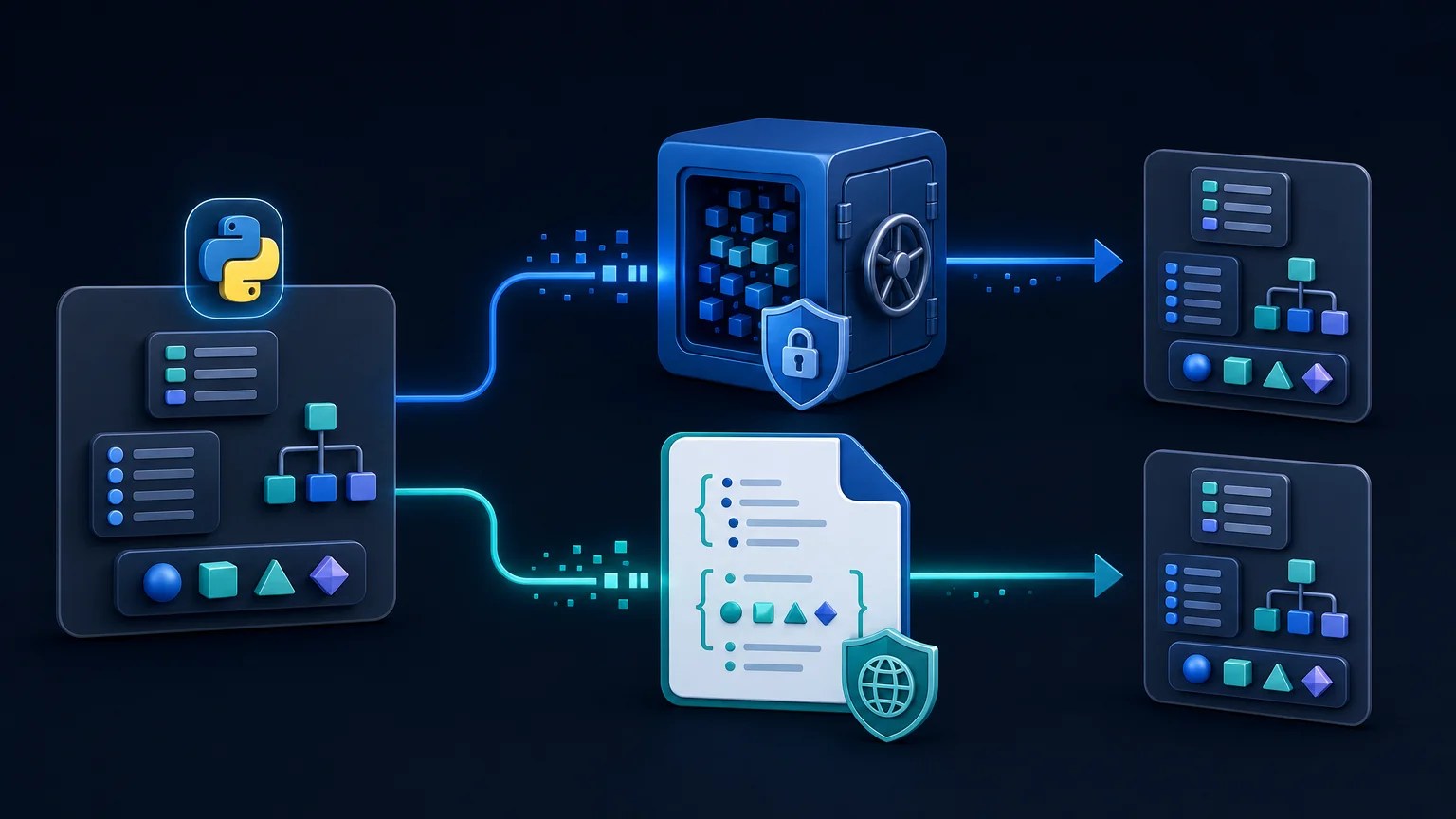
Serialization turns an in-memory value into a sequence of bytes or text. The serialized data can be written to a file, saved in a database, sent over a network, or restored after an application restarts.
Python provides two common approaches:
pickle: Python-specific serialization that can preserve many Python objects, including instances of custom classes.- JSON: A text-based, language-independent format that represents objects, arrays, strings, numbers, booleans, and null values. In Python, these correspond mainly to dictionaries, lists, strings, numbers, booleans, and
None.
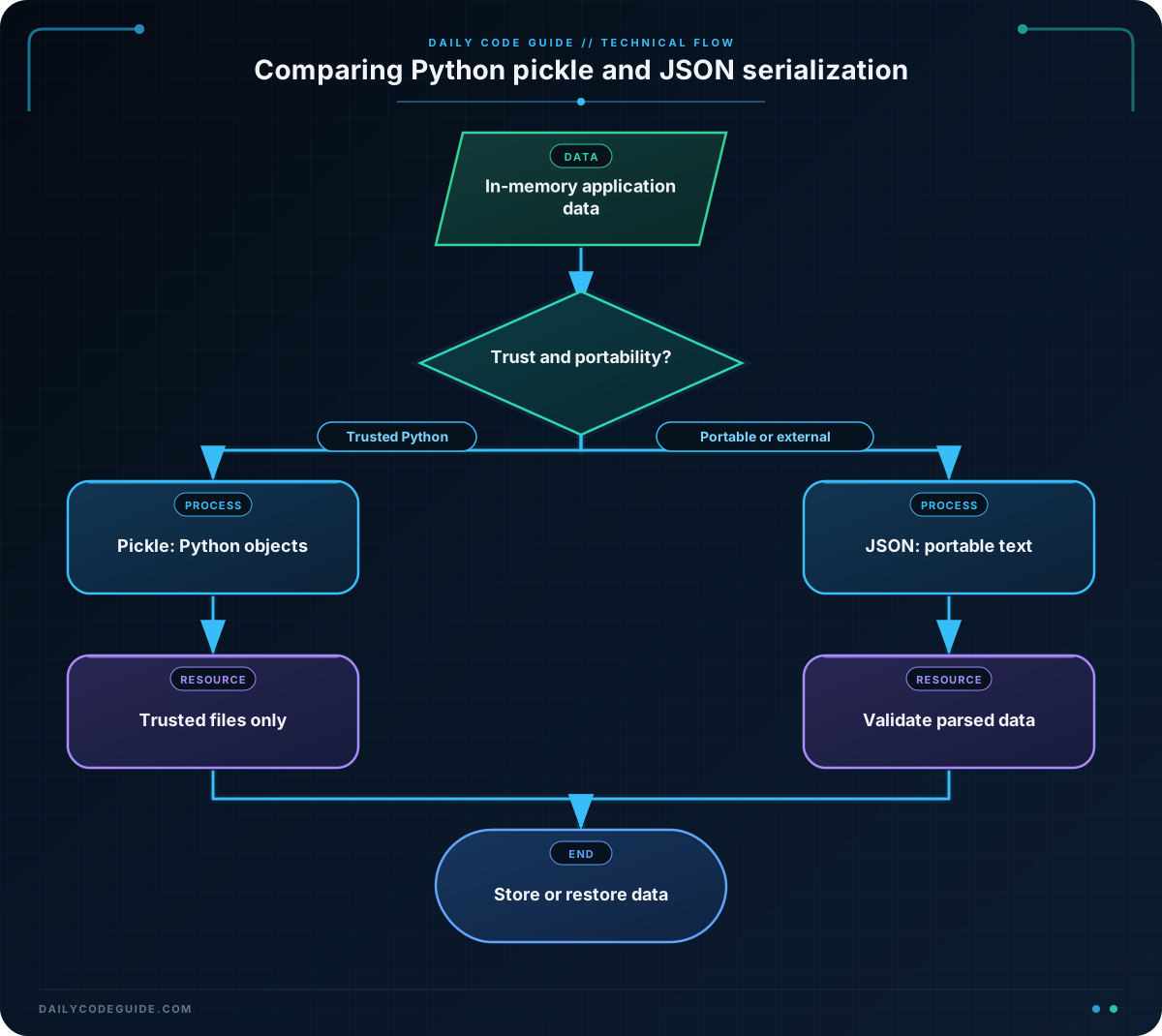
pickle is convenient when you control both the application that writes the data and the application that reads it. However, loading a pickle file can execute arbitrary code embedded in the file. Never unpickle data from an untrusted source.
JSON is more limited, but that limitation is useful. JSON files are readable, portable, and generally safer to parse as data. JSON still requires normal input validation, but parsing JSON does not have the same arbitrary-code-execution behavior as unpickling.
For additional security context, keep your Python installation patched and supported by following current Python security updates.
Basic Example
This example saves an application state in both formats. The pickle file preserves a custom AppState object, while the JSON file stores an equivalent dictionary.
import json
import pickle


class AppState:
    def __init__(self, username, selected_project, notifications_enabled):
        self.username = username
        self.selected_project = selected_project
        self.notifications_enabled = notifications_enabled


state = AppState(
    username="maya",
    selected_project="website-redesign",
    notifications_enabled=True,
)

with open("app_state.pkl", "wb") as file:
    pickle.dump(state, file)

json_state = {
    "username": state.username,
    "selected_project": state.selected_project,
    "notifications_enabled": state.notifications_enabled,
}

with open("app_state.json", "w", encoding="utf-8") as file:
    json.dump(json_state, file, indent=2)

with open("app_state.pkl", "rb") as file:
    restored_pickle_state = pickle.load(file)

with open("app_state.json", "r", encoding="utf-8") as file:
    restored_json_state = json.load(file)

print(restored_pickle_state.selected_project)
print(restored_json_state["notifications_enabled"])
Expected Output
website-redesign
True
How the Code Works
The AppState class represents application data that may need to survive a restart. An instance of this class contains attributes that are not automatically represented as basic JSON values.
The pickle file is opened with "wb", meaning “write binary.” The call to pickle.dump() writes the complete object to that file. Later, pickle.load() reconstructs the object, so the restored value still has attributes such as selected_project.
JSON files are text files, so the example uses "w" with UTF-8 encoding. The json_state dictionary contains only JSON-compatible values. json.dump() writes it to the file, and json.load() returns a normal Python dictionary.
The JSON representation is not an AppState instance. It is a dictionary containing the data. If you need an object after loading, your application can explicitly construct one:
restored_state = AppState(
    username=restored_json_state["username"],
    selected_project=restored_json_state["selected_project"],
    notifications_enabled=restored_json_state["notifications_enabled"],
)
This explicit conversion is more verbose than pickle, but it makes the data format clear and gives you a place to validate fields or provide defaults when the format changes.
Another Example
Imagine an application that exports task data for a reporting tool while also maintaining a local cache for its own use. JSON is a good export format because another language can read it. A pickle cache may be acceptable when it is created and consumed only by the same trusted Python application.
import json
import pickle


tasks = [
    {
        "id": 101,
        "title": "Review accessibility report",
        "status": "in_progress",
        "assignee": "Noah",
    },
    {
        "id": 102,
        "title": "Publish release notes",
        "status": "complete",
        "assignee": "Priya",
    },
]

report = {
    "project": "mobile-app",
    "task_count": len(tasks),
    "tasks": tasks,
}

with open("task-report.json", "w", encoding="utf-8") as file:
    json.dump(report, file, indent=2)

with open("task-cache.pkl", "wb") as file:
    pickle.dump(tasks, file)

with open("task-report.json", "r", encoding="utf-8") as file:
    exported_report = json.load(file)

with open("task-cache.pkl", "rb") as file:
    cached_tasks = pickle.load(file)

complete_tasks = [
    task for task in exported_report["tasks"]
    if task["status"] == "complete"
]

print(exported_report["project"])
print(len(cached_tasks))
print(complete_tasks[0]["title"])
The JSON report is suitable for an HTTP API, a JavaScript application, or a human inspecting the exported file. The pickle cache is an internal optimization and should not be exposed for users to upload, replace, or submit back to the server.
Common Mistakes
- Unpickling untrusted files: A pickle file is not just passive data. An attacker can create a malicious pickle that runs code during loading. Treat pickle files like executable content and load them only when their origin and integrity are trusted.
- Expecting JSON to serialize every Python value: Sets, custom objects, bytes, and many date types are not directly JSON serializable. Convert them to a documented representation first, such as a list for a set or an ISO-formatted string for a date.
- Opening pickle files in text mode: Use binary modes such as
"wb"and"rb"for pickle. Use text mode with an encoding for JSON. - Assuming pickle files are stable application formats: Pickle data can depend on Python classes, module paths, and implementation details. Changes to your code can make an old pickle difficult or impossible to load.
- Trusting loaded JSON without validation: JSON parsing is safer than unpickling, but the values can still be missing, incorrectly typed, or outside the expected range. Validate data before using it.
Try It Yourself
Create a JSON file for a user dashboard containing a username, a list of favorite projects, and a boolean setting. Load it again and print the name of the first favorite project. Then add a new field and update the loading code so older files without that field still work by using a default value.
Challenge
Write a small storage utility for application preferences with these requirements:
- Use JSON when the filename ends with
.json. - Use pickle when the filename ends with
.pkl. - Reject any other file extension with
ValueError. - Provide both
save_preferences()andload_preferences()functions. - Save a preferences dictionary and demonstrate that the loaded values are correct.
Remember that the pickle path in this exercise represents a trusted local file. A real application should not allow arbitrary users to control that file.
Solution
import json
import pickle


def save_preferences(preferences, filename):
    if filename.endswith(".json"):
        with open(filename, "w", encoding="utf-8") as file:
            json.dump(preferences, file, indent=2)
    elif filename.endswith(".pkl"):
        with open(filename, "wb") as file:
            pickle.dump(preferences, file)
    else:
        raise ValueError("Filename must end with .json or .pkl")


def load_preferences(filename):
    if filename.endswith(".json"):
        with open(filename, "r", encoding="utf-8") as file:
            return json.load(file)
    if filename.endswith(".pkl"):
        with open(filename, "rb") as file:
            return pickle.load(file)
    raise ValueError("Filename must end with .json or .pkl")


preferences = {
    "username": "Elena",
    "theme": "dark",
    "visible_projects": ["billing", "support"],
    "email_notifications": False,
}

save_preferences(preferences, "preferences.json")
save_preferences(preferences, "preferences.pkl")

json_preferences = load_preferences("preferences.json")
pickle_preferences = load_preferences("preferences.pkl")

print(json_preferences["theme"])
print(pickle_preferences["visible_projects"])
The two functions select the serialization method from the filename extension and use the correct file mode for each format. Both files restore equivalent dictionary data, but only the JSON file is intended as a portable, inspectable representation. The extension check also prevents silently writing data in an unexpected format.
Key Takeaways
picklepreserves many Python-specific objects but must never load untrusted data.- JSON is portable, human-readable, and a better choice for APIs, exports, and long-term data formats.
- Use binary mode for pickle and text mode with an encoding for JSON.
- JSON requires explicit conversion for custom objects and unsupported Python types.
- Validate restored data and choose the format based on trust, portability, and compatibility requirements.