


What You’ll Learn
In this lesson, you will learn how to create and use variables in PowerShell while working with server configuration values. Variables let you store information such as server names, ports, and settings so you can reuse and change those values easily.
- Create variables with the PowerShell assignment operator.
- Store text, numbers, and Boolean values in variables.
- Use variables in output messages.
- Avoid common variable-related mistakes.
The Concept
A variable is a named place in memory that stores a value. In PowerShell, variable names begin with a dollar sign. You assign a value to a variable with an equals sign.
For example, a server name can be stored in a variable. Instead of repeating the server name throughout a script, you can refer to the variable whenever you need it. If the server name changes, you only need to update it in one place.
PowerShell determines the type of value automatically in many simple cases. A value inside quotes is text, a number is numeric, and values such as true or false are Boolean values. Boolean values are useful for settings that can be enabled or disabled.
Variables are useful in server scripts because configuration values often need to be reused. A script might store a computer name, listening port, environment name, or feature setting before displaying or applying those values.
Basic Example
The following script stores several server configuration values and displays them in a readable summary.
$serverName = "WEB-01"
$environment = "Production"
$port = 443
$httpsEnabled = $true

Write-Output "Server: $serverName"
Write-Output "Environment: $environment"
Write-Output "Port: $port"
Write-Output "HTTPS enabled: $httpsEnabled"
Expected Output
Server: WEB-01
Environment: Production
Port: 443
HTTPS enabled: True
How the Code Works
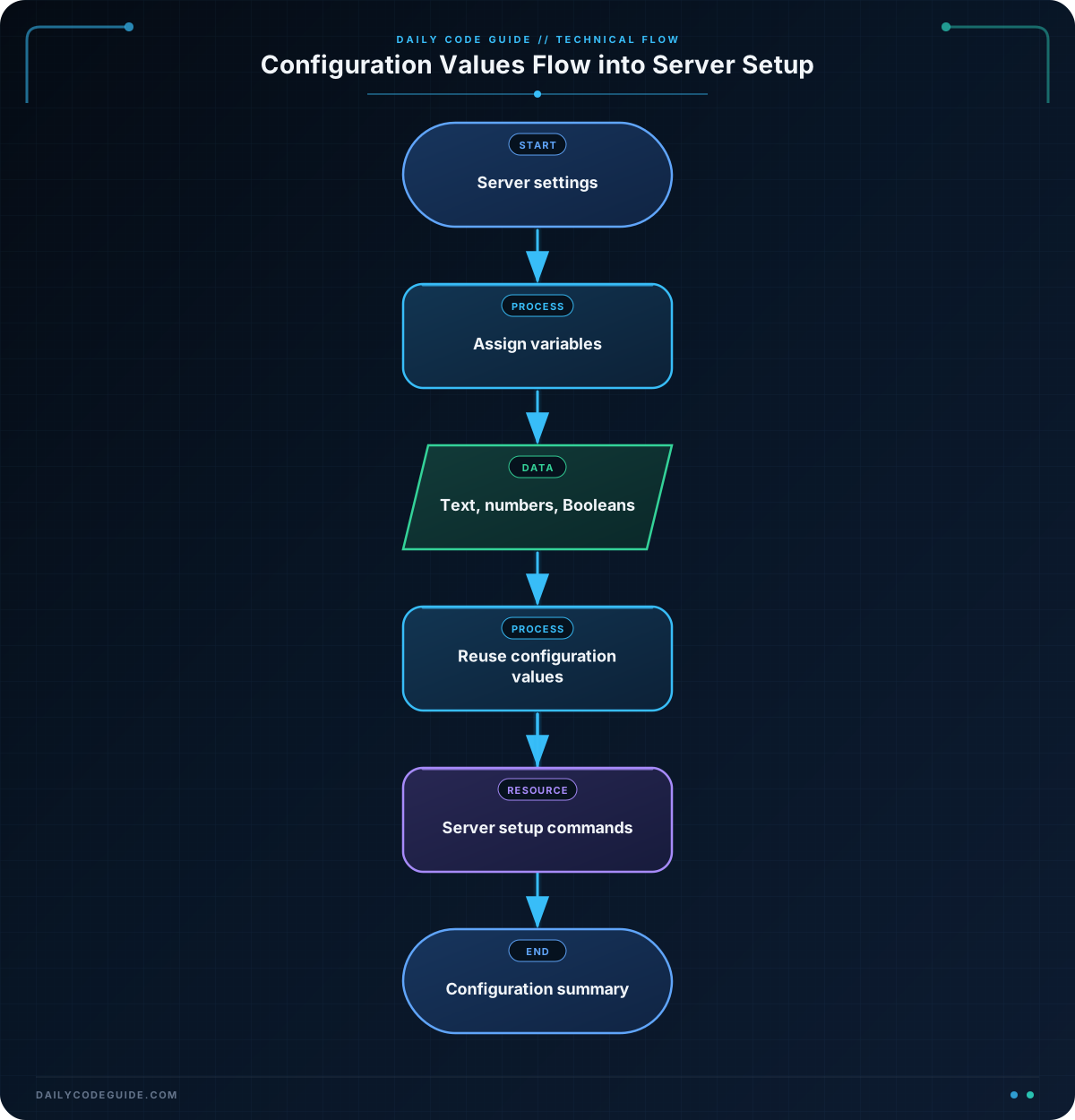
The first line creates a variable named serverName and stores the text value WEB-01 in it. The dollar sign tells PowerShell that serverName is a variable.
The environment variable stores text describing where the server is being used. The port variable stores the number 443. Because 443 is not inside quotes, PowerShell treats it as a number rather than text.
The httpsEnabled variable stores the Boolean value true. PowerShell displays this value as True when it is written to the console.
Each output line contains a double-quoted string. PowerShell expands variables inside double-quoted strings, replacing each variable with its current value. For example, the server variable is replaced with WEB-01 in the first output line.
PowerShell variable names are not case-sensitive. The names serverName and ServerName refer to the same variable. Even so, consistent capitalization makes scripts easier to read.
Another Example
Variables can also hold settings for a maintenance task. This example stores a backup location, the number of days to retain backups, and whether automatic backups are enabled.
$backupPath = "D:\ServerBackups"
$retentionDays = 14
$automaticBackups = $true

Write-Output "Backup location: $backupPath"
Write-Output "Retention period: $retentionDays days"
Write-Output "Automatic backups: $automaticBackups"

if ($automaticBackups) {
    Write-Output "The backup schedule is enabled."
}
Here, the variables make the configuration easy to update. For example, an administrator can change the retention period from 14 to 30 without changing the rest of the script. The condition checks the Boolean variable and displays a message only when automatic backups are enabled.
Common Mistakes
- Forgetting the dollar sign: PowerShell variables require a dollar sign when they are created and when they are used.
- Using single quotes when you expect replacement: PowerShell expands variables inside double-quoted strings. Single-quoted strings treat the variable text literally.
- Using a variable before assigning a value: Create and assign a variable before relying on its contents.
- Confusing text and numbers: A number inside quotes is text. This can cause unexpected results when you later want to perform numeric operations.
- Overwriting a value accidentally: Assigning a new value to an existing variable replaces the old value.
Try It Yourself
Create a PowerShell script that stores these server details in variables:
- A server name of APP-02
- An environment of Testing
- A port number of 8080
- A Boolean setting showing that HTTPS is disabled
Display each value with a descriptive label. After running the script, change the server name and environment to confirm that the output changes automatically.
Challenge
Create a server connection summary using variables. Your script should:
- Store the server name APP-03 in a variable.
- Store the IP address 192.168.10.25 in a variable.
- Store the maximum number of connections, 250, in a variable.
- Store whether monitoring is enabled as a Boolean value.
- Display all four values with clear labels.
Solution
$serverName = "APP-03"
$ipAddress = "192.168.10.25"
$maxConnections = 250
$monitoringEnabled = $true

Write-Output "Server: $serverName"
Write-Output "IP address: $ipAddress"
Write-Output "Maximum connections: $maxConnections"
Write-Output "Monitoring enabled: $monitoringEnabled"
This solution creates one variable for each required server setting. The text values are enclosed in quotes, the connection limit is stored as a number, and the monitoring setting is stored as a Boolean value. Double-quoted output strings then insert the current values into the summary.
Key Takeaways
- PowerShell variable names begin with a dollar sign.
- Use the equals sign to assign a value to a variable.
- Variables can store text, numbers, and Boolean values.
- Double-quoted strings expand variables when they are displayed.
- Variables make server configuration scripts easier to update and reuse.

