


What You’ll Learn
In this lesson, you will learn how Python dictionaries store related information using named keys and values. You will use a dictionary to manage application configuration settings and practice reading and changing those settings.
- Create a dictionary with configuration settings.
- Read a value using its key.
- Change an existing setting.
- Add a new setting to a dictionary.
The Concept
A dictionary is a Python data structure that stores information as key-value pairs. A key is the name used to find a value.
For example, an application might have settings such as its name, whether debugging is enabled, and how many times it should retry a failed operation. A dictionary keeps these related settings together:
settings = {
    "app_name": "Daily Tasks",
    "debug": True,
    "max_retries": 3
}
In this dictionary, "app_name", "debug", and "max_retries" are keys. Their corresponding values are "Daily Tasks", True, and 3.
Dictionaries use curly braces, {}. Each key is followed by a colon, and multiple key-value pairs are separated by commas. Unlike a list, which uses numeric positions, a dictionary lets you look up data by a meaningful name.
Basic Example
The following program creates application settings, reads two values, changes one setting, and adds another setting.
settings = {
    "app_name": "Daily Tasks",
    "debug": True,
    "max_retries": 3
}

print("Application:", settings["app_name"])
print("Debug mode:", settings["debug"])

settings["debug"] = False
settings["theme"] = "light"

print("Updated debug mode:", settings["debug"])
print("Theme:", settings["theme"])
Expected Output
Application: Daily Tasks
Debug mode: True
Updated debug mode: False
Theme: light
How the Code Works
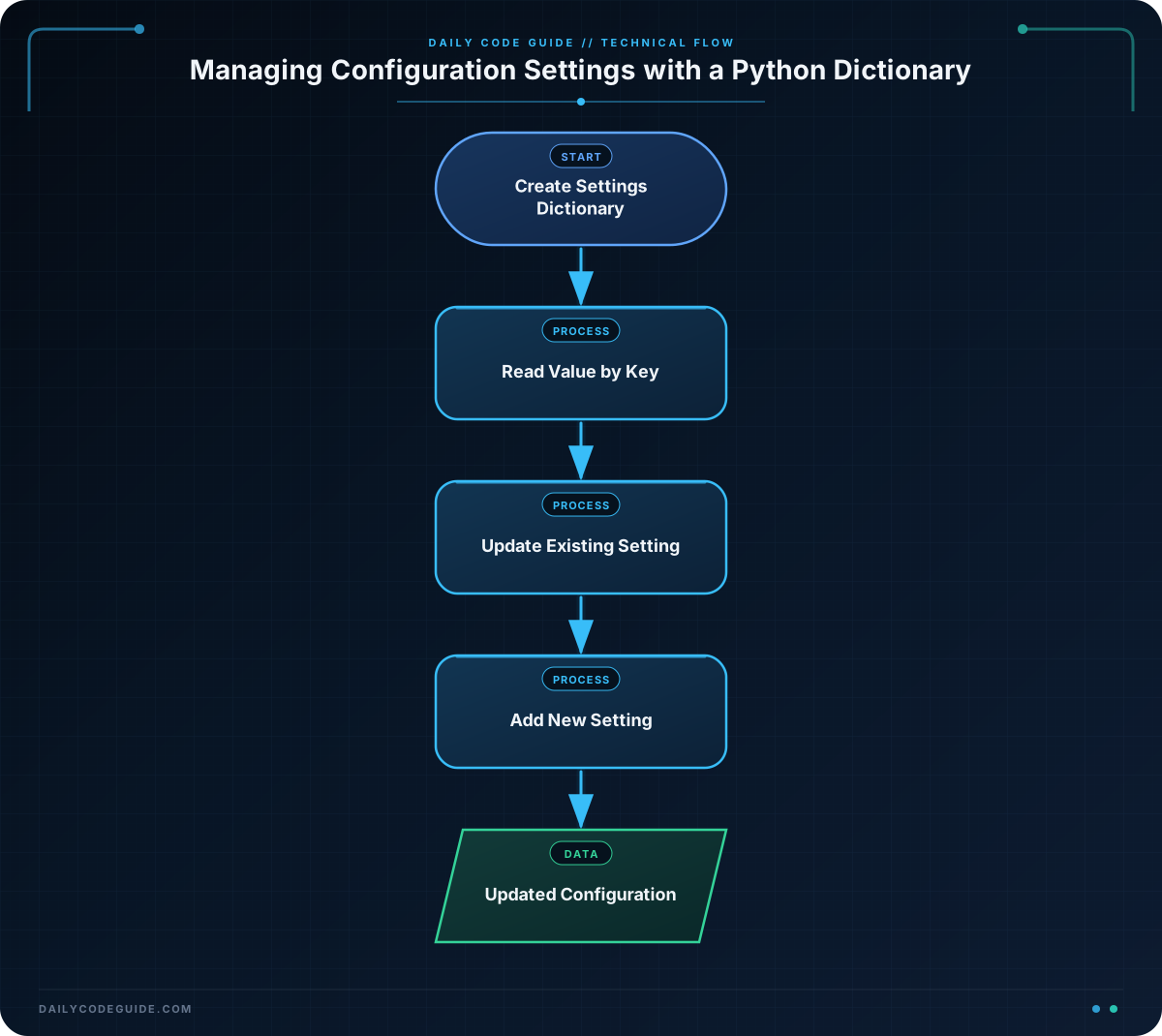
The first three lines create a dictionary named settings. Each key describes one application option:
"app_name"stores text."debug"stores a Boolean value, eitherTrueorFalse."max_retries"stores an integer.
To read a value, place its key inside square brackets after the dictionary name. For example, settings["app_name"] returns "Daily Tasks".
This line changes an existing value:
settings["debug"] = FalseBecause the "debug" key already exists, Python replaces its old value, True, with False.
You can also add a new key by assigning a value to a key that does not yet exist:
settings["theme"] = "light"After this assignment, the dictionary contains a new "theme" setting. This makes dictionaries useful when an application needs a group of related options that may change while the program runs.
Another Example
Configuration dictionaries can also describe which features are available in an application. This example checks feature settings before displaying messages.
feature_flags = {
    "dark_mode": True,
    "email_notifications": False,
    "weekly_summary": True
}

if feature_flags["dark_mode"]:
    print("Dark mode is available.")

if feature_flags["email_notifications"]:
    print("Email notifications are available.")
else:
    print("Email notifications are turned off.")

if feature_flags["weekly_summary"]:
    print("Weekly summaries are available.")
Each dictionary value is a Boolean. The if statements use those values to decide which message to print. This pattern is useful for turning application features on or off without changing the rest of the program.
Common Mistakes
Using a key that does not exist
Reading a missing key with square brackets causes a KeyError. For example, settings["language"] will fail if the dictionary has no "language" key.
When a setting might not exist, use the get() method with a default value:
settings = {
    "app_name": "Daily Tasks"
}

language = settings.get("language", "English")
print(language)
This prints English because the "language" key is missing. The default value helps the program continue safely.
Confusing keys and values
Use the key when you want to find a setting. In settings["app_name"], "app_name" is the key. The value returned is "Daily Tasks".
Using the wrong capitalization
Dictionary keys are case-sensitive. The keys "debug" and "Debug" are different keys, so use the exact spelling and capitalization you chose when creating the dictionary.
Try It Yourself
Create a dictionary named profile_settings for an application profile. Include a username, a language, and a Boolean setting named notifications. Print the username and language, then change notifications to False and print its updated value.
Challenge
Create an application configuration dictionary named app_config with these settings:
"name"set to"Study Planner"."debug"set toTrue."max_items"set to20.
Print the application name and maximum number of items. Then turn debugging off, add a "theme" setting with the value "blue", and print the updated debug setting and theme.
Solution
app_config = {
    "name": "Study Planner",
    "debug": True,
    "max_items": 20
}

print("Application:", app_config["name"])
print("Maximum items:", app_config["max_items"])

app_config["debug"] = False
app_config["theme"] = "blue"

print("Debug mode:", app_config["debug"])
print("Theme:", app_config["theme"])
The solution creates the required dictionary, reads values with their keys, updates the existing "debug" value, and adds the new "theme" key.
Key Takeaways
- A Python dictionary stores related information as key-value pairs.
- Use square brackets and a key to read or change a value.
- Assigning to a new key adds a setting to the dictionary.
- Dictionary keys are case-sensitive and must be spelled correctly.
- Use
get()with a default value when a key might be missing.

