


What You’ll Learn
In this lesson, you’ll learn how to use Python lists to store and work with multiple grocery items in one variable. You will also learn how to access, add, and remove items from a list.
- Understand what a list is and why it is useful.
- Create a list of grocery inventory items.
- Read individual items by their position.
- Add and remove items from a list.
The Concept
A Python list is a collection that stores multiple values in a specific order. For example, a grocery store might keep its available products in a list.
Lists are created with square brackets. Each item is separated by a comma:
grocery_inventory = ["apples", "bread", "milk"]A list can contain strings, numbers, or other kinds of values. In this lesson, the list contains grocery item names.
Each item has a position called an index. Python starts counting indexes at 0, not 1. Therefore, the first item is at index 0, the second item is at index 1, and so on.
Lists are useful whenever a program needs to keep related values together, such as products in inventory, names on a shopping list, or tasks waiting to be completed.
Basic Example
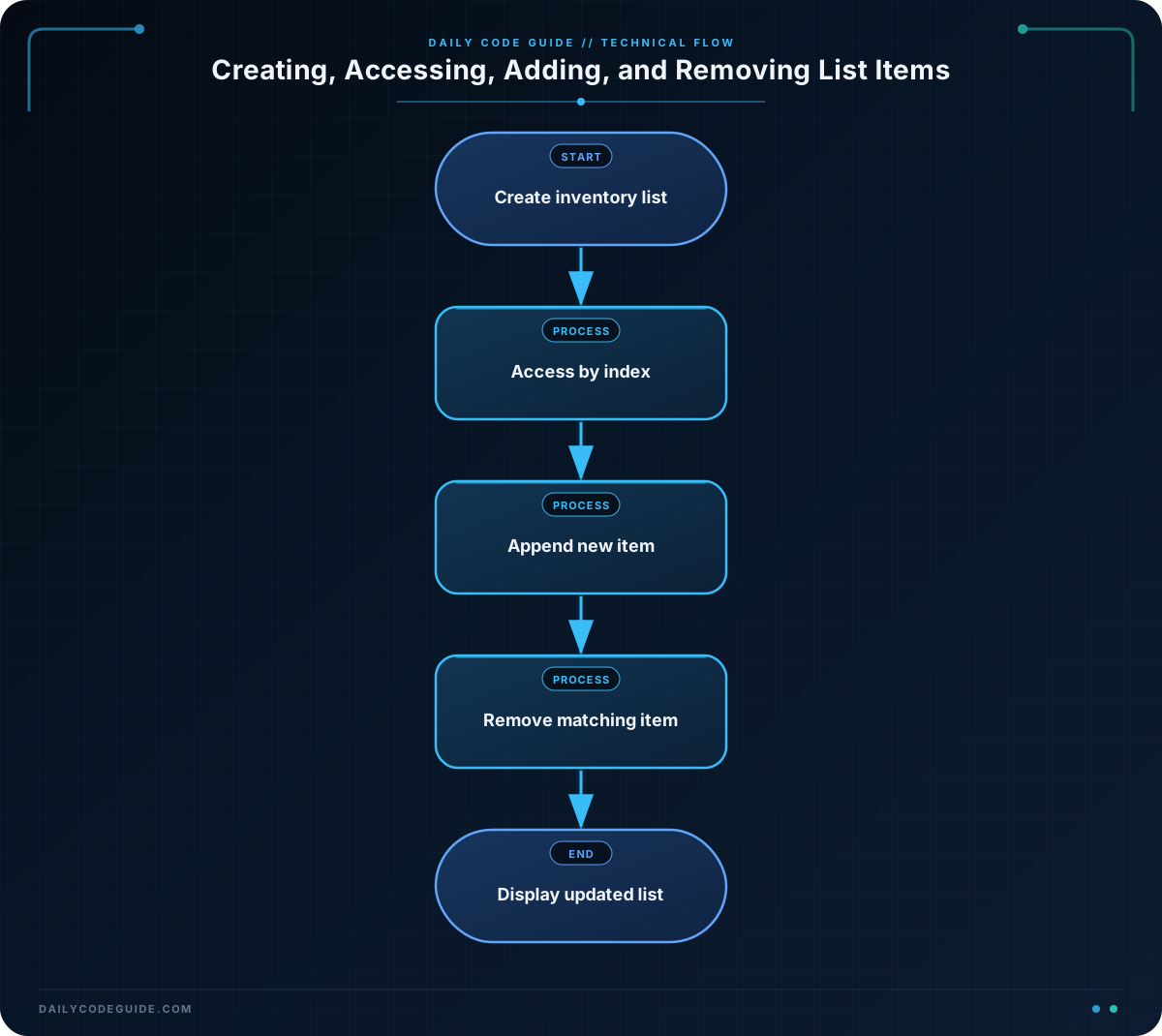
The following program creates a grocery inventory list, displays it, reads specific items, adds a new item, and removes an item.
grocery_inventory = ["apples", "bread", "milk"]

print("Starting inventory:", grocery_inventory)
print("First item:", grocery_inventory[0])
print("Third item:", grocery_inventory[2])

grocery_inventory.append("eggs")
grocery_inventory.remove("bread")

print("Updated inventory:", grocery_inventory)
Expected Output
Starting inventory: ['apples', 'bread', 'milk']
First item: apples
Third item: milk
Updated inventory: ['apples', 'milk', 'eggs']
How the Code Works
The first line creates a list named grocery_inventory:
grocery_inventory = ["apples", "bread", "milk"]The list contains three strings. The square brackets tell Python that these values belong to a list.
The first print() statement displays the entire list. Python shows list items inside square brackets, with each string surrounded by quotes.
These statements access individual items:
grocery_inventory[0]
grocery_inventory[2]
grocery_inventory[0] gets the first item, which is "apples". The index 2 gets the third item, which is "milk". Remember that counting starts at zero.
The append() method adds one item to the end of a list:
grocery_inventory.append("eggs")After this line, the list contains apples, bread, milk, and eggs.
The remove() method removes the first matching value from a list:
grocery_inventory.remove("bread")After removing bread, the remaining list is ["apples", "milk", "eggs"]. The list keeps the order of the items that remain.
Another Example
A store may also keep a separate list of items that need to be restocked. This example checks the list and adds a new item to it.
items_to_restock = ["rice", "coffee"]

print("Items to restock:")
print(items_to_restock)

items_to_restock.append("olive oil")

print("New restock list:", items_to_restock)
This is different from the main inventory list because it tracks a specific group of products: items that need to be ordered. Calling append() lets the program add another product without creating a completely new list.
Common Mistakes
- Forgetting that indexes start at zero: The first item is at index
0, not index1. Using an index that does not exist causes anIndexError. - Using parentheses instead of square brackets: Lists use
[], as in["apples", "milk"]. - Removing a value that is not in the list: Calling
remove()with a missing value causes aValueError. Make sure the item exists before removing it. - Confusing
append()with replacing a list:append()adds an item to the end. It does not delete the existing items.
Try It Yourself
Create a list named fresh_produce with three grocery items. Print the list, print its second item, add "bananas" with append(), and then print the updated list.
Remember that the second item uses index 1.
Challenge
A grocery store has a list of products currently on a shelf:
- Create a list named
shelf_itemscontaining"cereal","tomato sauce", and"pasta". - Print the original shelf list.
- Add
"beans"to the end of the list. - Remove
"tomato sauce"from the list. - Print the updated shelf list.
Solution
shelf_items = ["cereal", "tomato sauce", "pasta"]

print("Original shelf:", shelf_items)

shelf_items.append("beans")
shelf_items.remove("tomato sauce")

print("Updated shelf:", shelf_items)
The list begins with three products. append("beans") adds beans to the end, and remove("tomato sauce") removes the matching product. The final list contains cereal, pasta, and beans in that order.
Key Takeaways
- A Python list stores multiple values in an ordered collection.
- Lists use square brackets, and items are separated by commas.
- Indexes start at zero, so the first item is at index
0. - Use
append()to add an item to the end of a list. - Use
remove()to remove a matching item from a list.

